Find your challenge
Six levels of computer play give new players room to learn and experienced players a worthy challenge.
 Bridge by NeuralPlay
Double dummy analysis · Bidding guidance · Your system
Practice bidding and play with strong computer partners and opponents, clear explanations, double dummy analysis, and the bidding system you prefer.



Choose your store and start practicing.
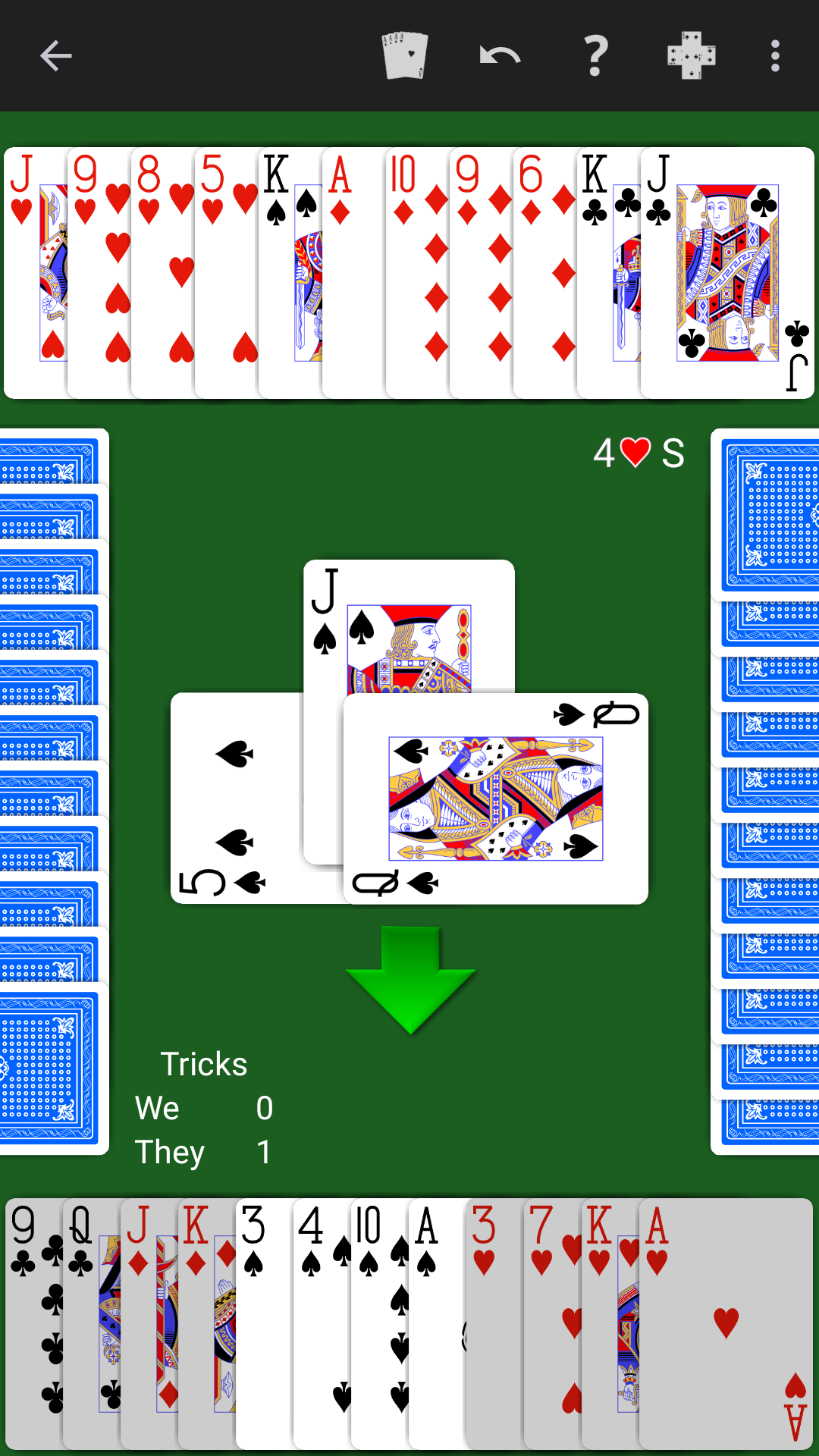
More than a game of Bridge
Understand the auction, test your card play, and revisit the decisions that shaped each deal.
Six levels of computer play give new players room to learn and experienced players a worthy challenge.
Ask for a suggestion, tap a bid for an explanation, or use the bid and play checker to compare your choices with the computer’s.
Review the play trick by trick, compare results, and explore double dummy solutions.
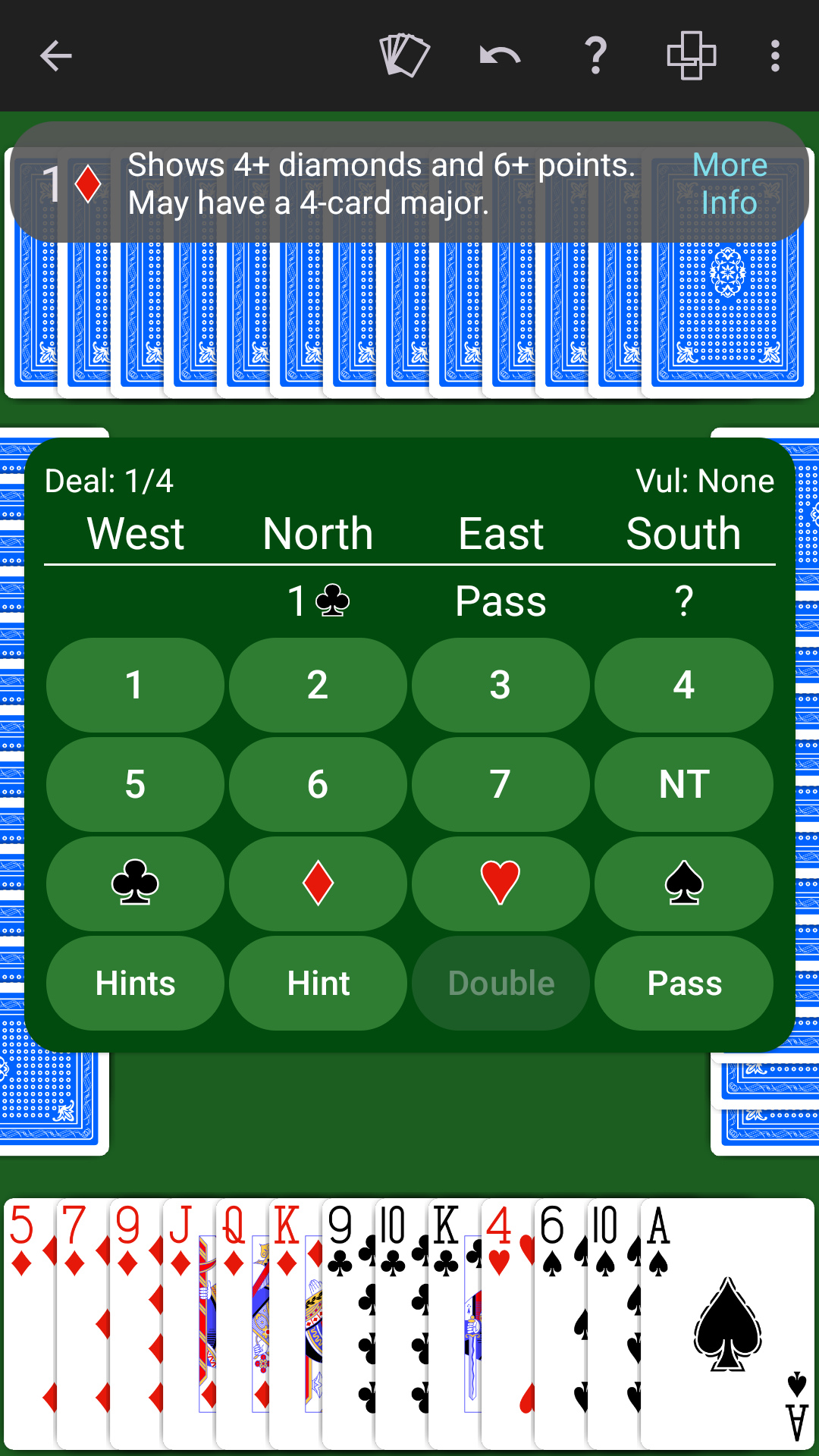
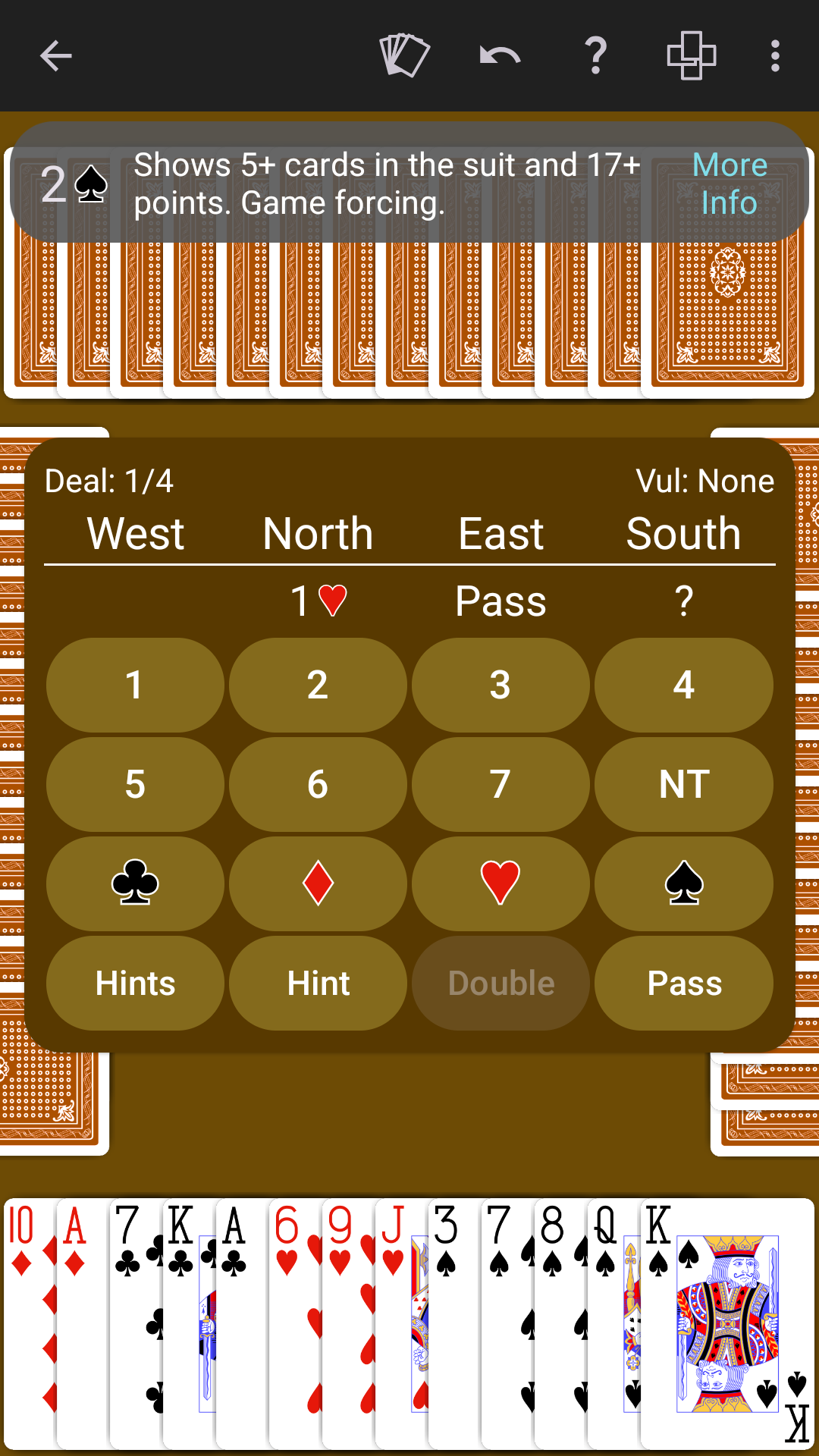
Guidance through the auction
Use a hint to see what the computer would bid, or tap a bid to see what it means. Use the explanations while learning a system or reviewing an auction.
Understand each hand
Step through the completed hand trick by trick to revisit key choices, follow the contract, and decide what you might try next time.
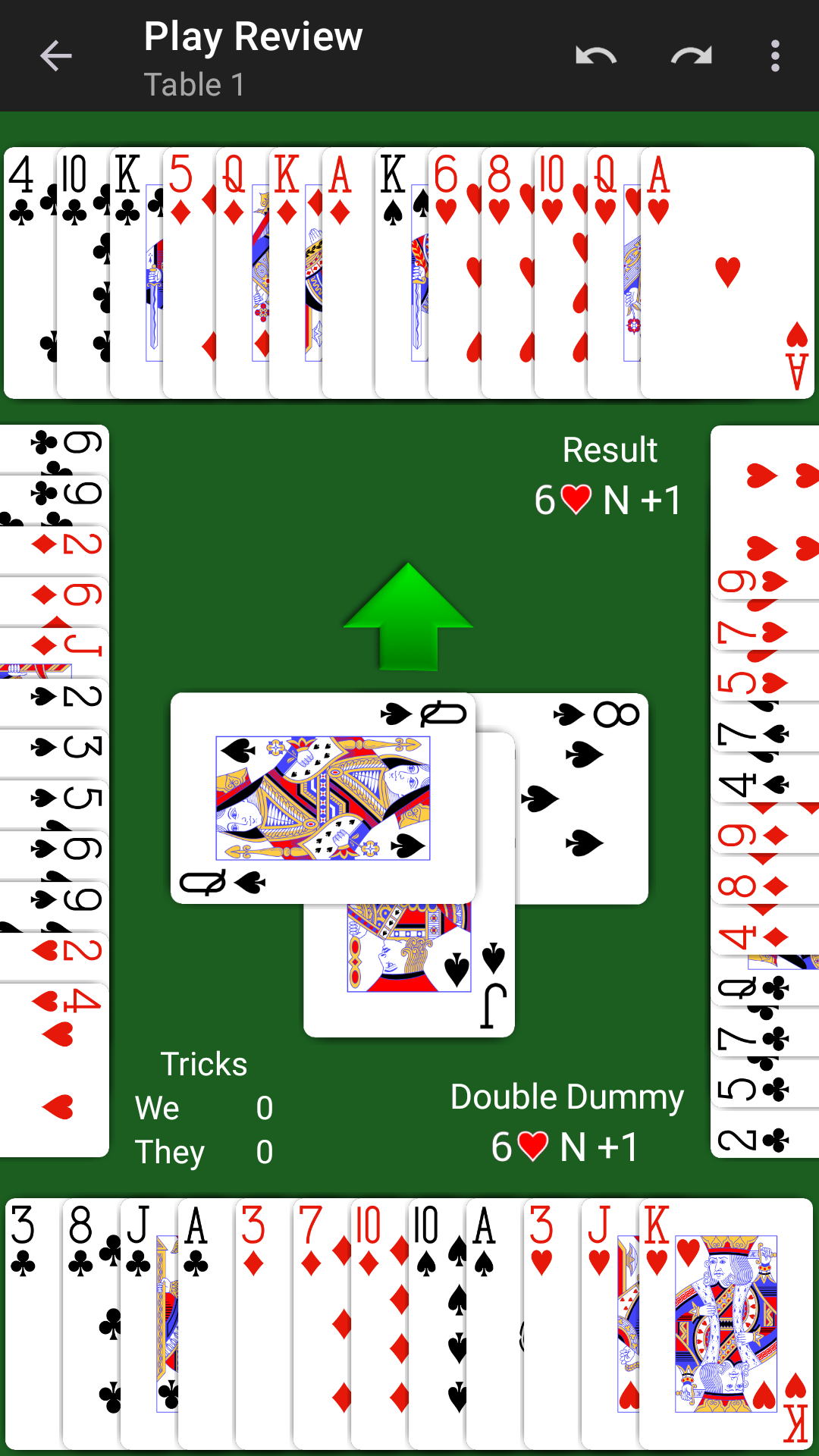
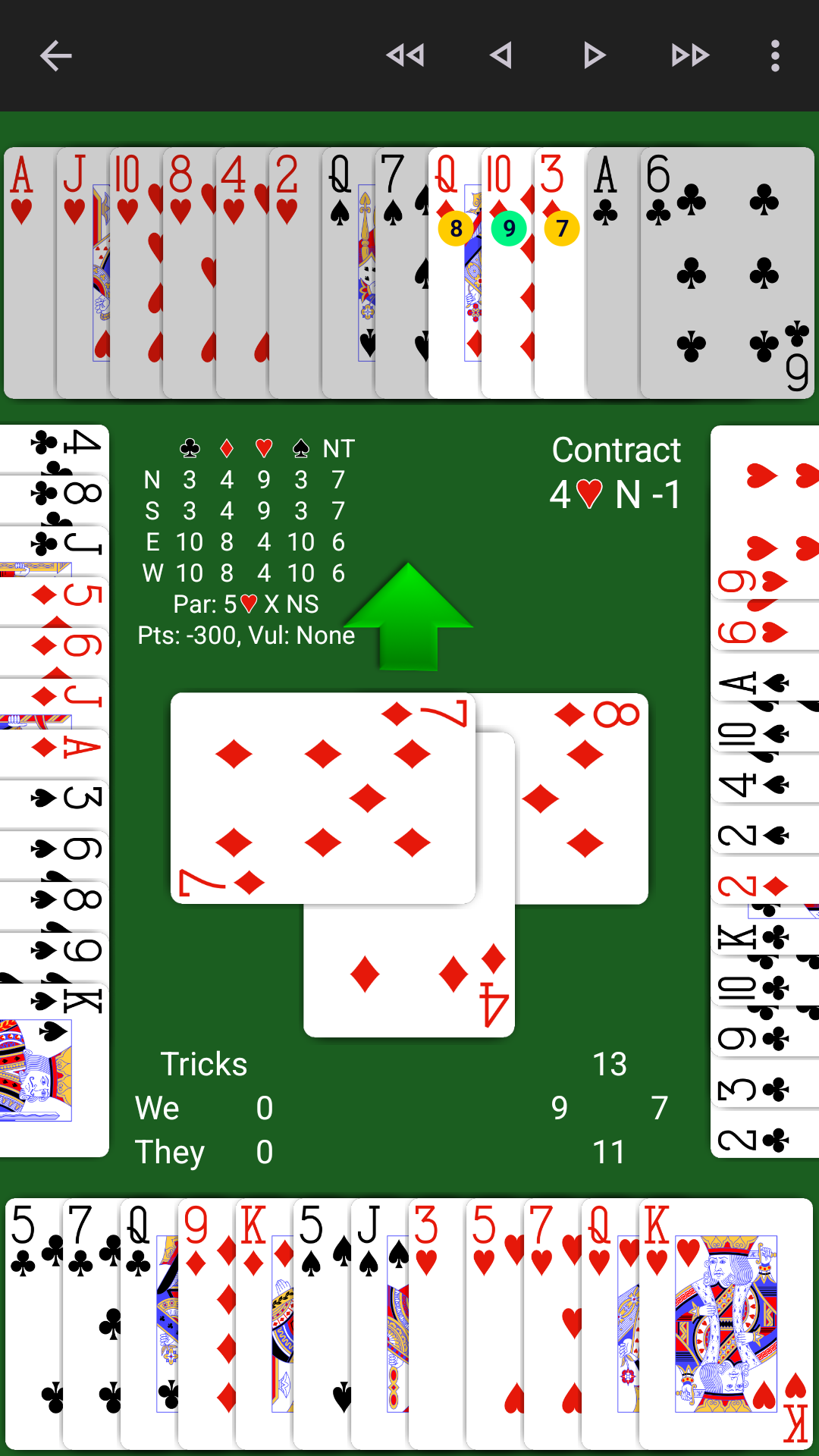
Deeper deal analysis
Compare your contract with the par contract and your play with an optimal double dummy line. Colored tags show the tricks available after each legal card, while the table summarizes makeable contracts and the par result.
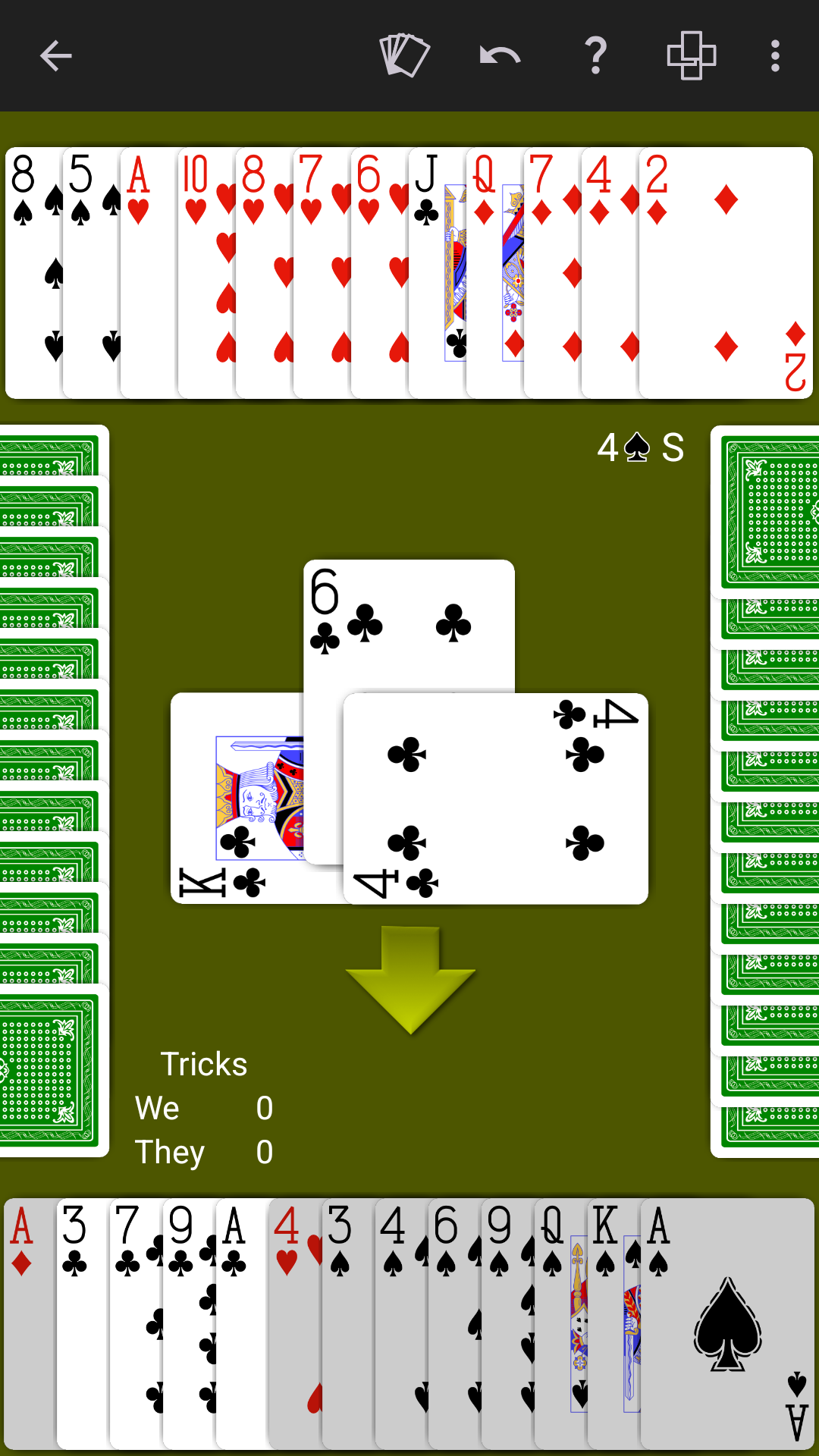
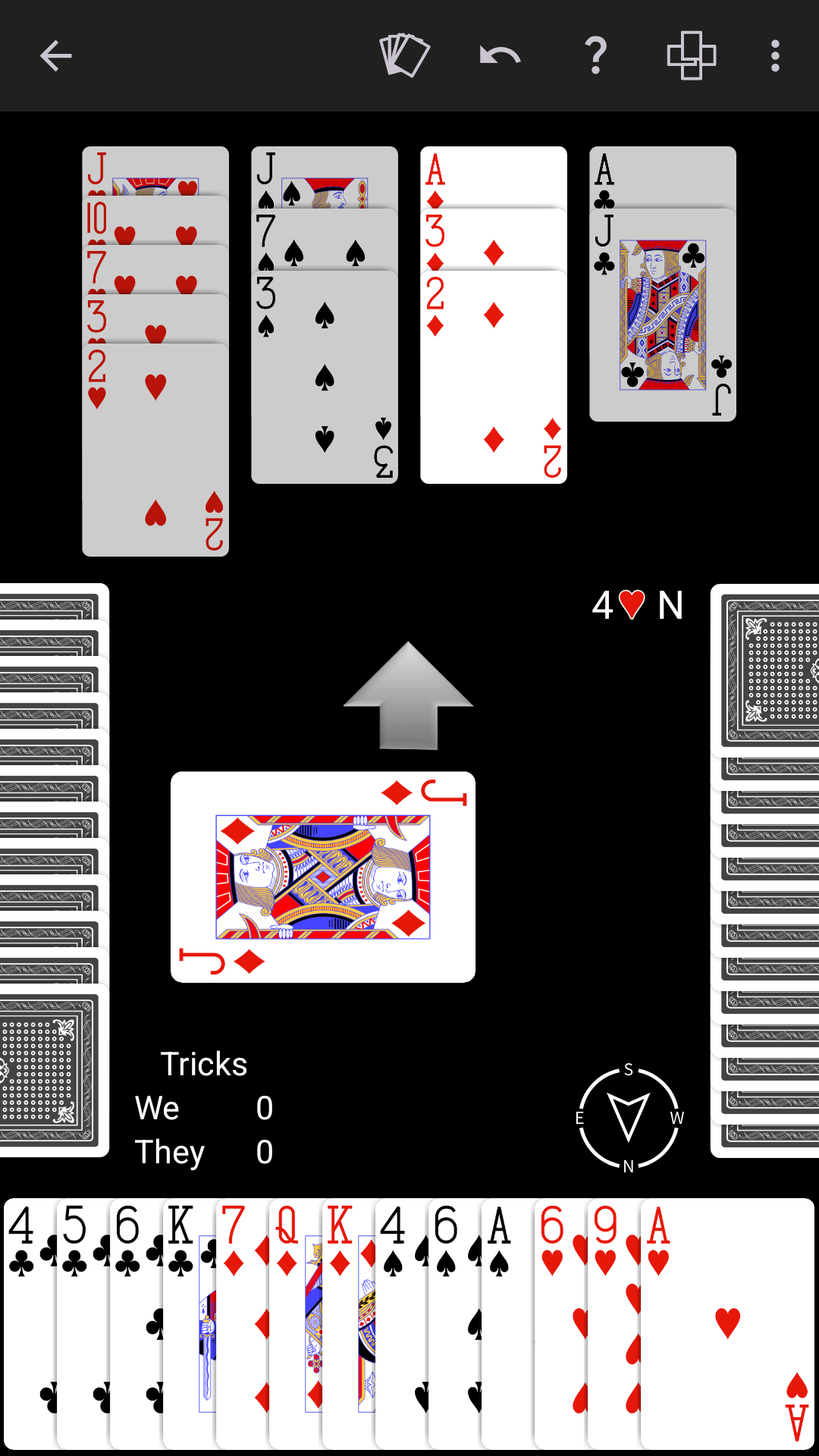
A table that feels like yours
Choose from a range of table backgrounds and card-back colors, including classic green, warm brown, high-contrast black, and more.
The Bridge system you play
Choose SAYC, ACOL, 2/1 Game Force, Precision, or Natural, then select your game and practice settings.
Choose Rubber, Chicago, Duplicate Teams, Matchpoint Practice, Bidding Practice, or Play Practice.
Set SAYC, ACOL, 2/1 Game Force, Precision, Natural, or Custom for either partnership.
Configure Blackwood, Gerber, transfers, Michaels, unusual notrump, 1NT defenses, and more.
Choose dealer, vulnerability, point ranges, distributions, strong hands, or specific team strength.
Use standard signals, upside-down signals, or no count and attitude signals for either partnership.
Share repeatable deal sequences, set the number of hands, and choose whether to score honors.
Good to know
Yes. Start with SAYC and an easier AI level, then use hints, explanations, practice modes, undo, and review while you learn.
It analyzes the complete deal with every hand exposed to show makeable contracts and lines of play for that deal.
Yes. NeuralPlay Bridge supports offline play with computer partners and opponents.
Your next deal is ready
Choose a game format and bidding system, set the AI level, and start playing.